New Vultr Identity and Access Management Upgrades
As part of our commitment to continually elevating our customers’ cloud experience, Vultr is rolling out an upgraded Vultr Identity and Access Management (IAM) offering with new tools that make it easier to implement guardrails and enforce least privilege access in Vultr cloud environments.
Many cloud IAM suites can be challenging to manage, with overlapping options and complicated configurations. Besides introducing headaches and increasing opportunities for poorly applied permission policies, difficult-to-use IAM tools create the temptation to create overly permissive environments.
In contrast, Vultr IAM is designed to be straightforward and easy to manage. Multiple configuration levels enable administrators to apply the level of granular control required for their organization and workloads. Vultr’s simple console and API make introducing and updating permission policies intuitive, with options ranging from preconfigured managed policies to custom configurations in JSON.
A full set of configuration options
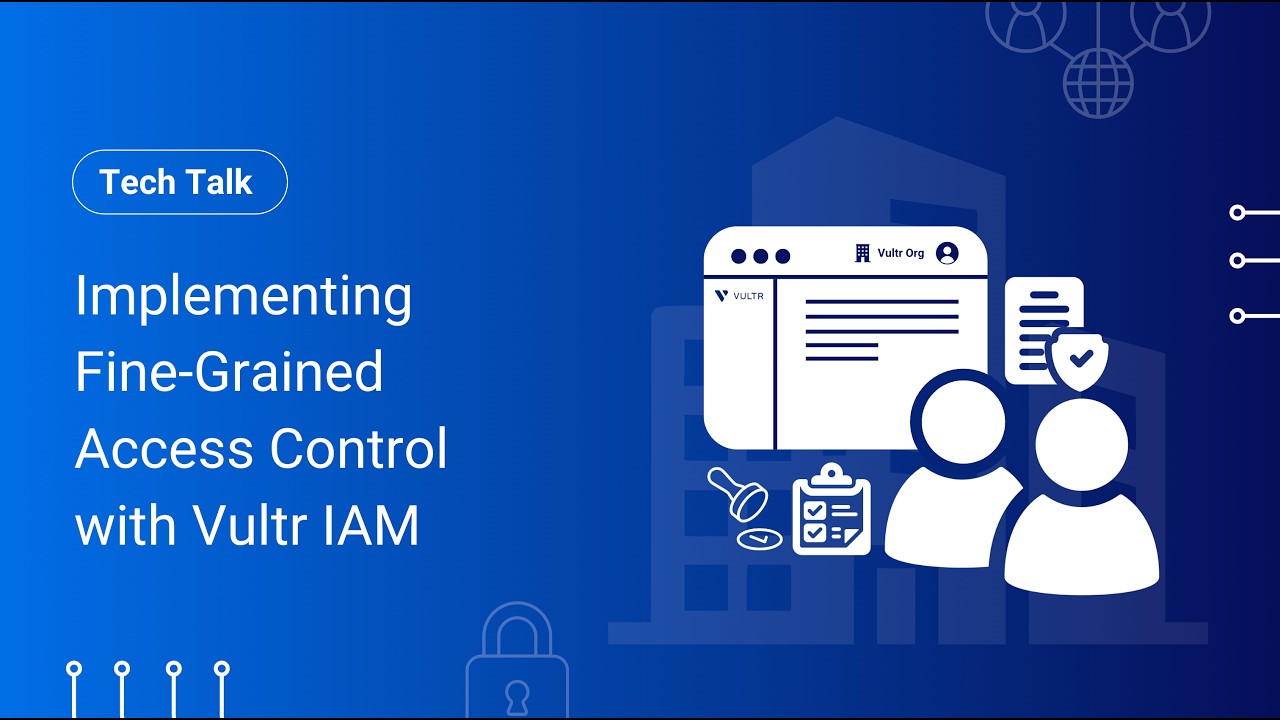
In the upgraded Vultr IAM, multi-user accounts are now called organizations. Organizations provide a distinct collaborative environment with separated billing and resources. Users who create organizations become the root user with administrative rights to set permissions for other users that they (or others) choose to add to the organization. They can also designate others as organization admins.
Organization administrators and root users can assign permissions to users at the service level (by product, such as Vultr Object Storage), the action level (by action taken, such as creating or reading), and the resource level (by instance, such as a specific storage bucket). They can also manage permissions at all three levels simultaneously, or opt for preconfigured managed permissions for a more streamlined experience.
Permission policies can be assigned to users through roles and groups. Roles are predefined sets of permissions that administrators can create. Adding a user to a role grants them the ability to perform any actions permitted by the role’s assigned permission policies, and removing them from the role revokes those permissions.
Groups define a set of users who have been assigned the same set of permissions. Adding or removing a user from a group grants or removes permissions similarly to a role. Administrators can create permission policies for a group or can designate a role to the group, providing all members with the associated permission policies.
Users can be in more than one group or role, and permissions are additive, granting users all the permissions associated with every role or group they are added to.
Streamlined migration
The transition process for existing customers is designed to be safe and provide continuity. Existing account users will retain current permission policies through an automated migration. Multi-user accounts will become organizations, and users will remain subject to the same restrictions (as managed by permission policies) within the new organization as they were before the new tools were rolled out. While operating with managed permissions works well for many customers, we encourage those interested in more specific controls to explore the new, upgraded options in Vultr IAM.
IAM with granularity, not excessive complexity
With these updates, Vultr IAM provides an even more capable access control solution. Exacting control over user permissions doesn’t require a bloated, complicated IAM suite. Available through the easy-to-use Vultr Console and API, Vultr IAM enables the creation of fine-grained guardrails with ease.
Ready to experience the enterprise-grade access management delivered by Vultr IAM? Get started managing user permissions today.