Vultr MCP (Model Context Protocol) Server Currently Available in Public Preview for Enhanced Visibility and Oversight
Vultr upholds a strong commitment to delivering AI and cloud infrastructure based on open standards, allowing users to build according to their specific use cases and adjust as needed, rather than being locked into a closed architecture.
That requires more than just open models. It requires a fully integrated stack where infrastructure, orchestration, frameworks, and open protocols work together. As customers adopt AI agents, we're equipping them with the ability to reason, access data, interact with other agents, operate across distributed environments, and deliver efficient outcomes at scale.
The Vultr MCP Server, built on the open MCP protocol, is part of that ongoing commitment. MCP servers enable users to connect their chosen applications to external systems, data, and tools to access information. Read-only MCP servers restrict agent actions to reduce side effects, risk, and the need for users to set up overly complex and granular approval layers.
Now available in public preview: The Vultr MCP Server
The read-only Vultr MCP Server is available now in preview. It enables users to interact with their architecture in plain language, offering better visibility and insights into their stack.
Vultr hosts the server, so there’s nothing to install. The setup, by design, is straightforward and simple:
- Add one URL to your client of choice
- Sign in to Vultr
- Approve access
Users can then ask the Vultr MCP Server questions such as “Which instances are running in London, and on what plans?" or "Does my Kubernetes cluster have an upgrade available?", as well as commands: "Give me a summary of last month's invoice by product and recommend options for cost savings."
Because it provides agents access to Vultr resources like compute, Kubernetes, networking, storage, databases, billing, the user account, and more, the Vultr MCP Server can answer those questions with clarity and accuracy.
Built for security, bolstered by the enhanced Vultr IAM suite
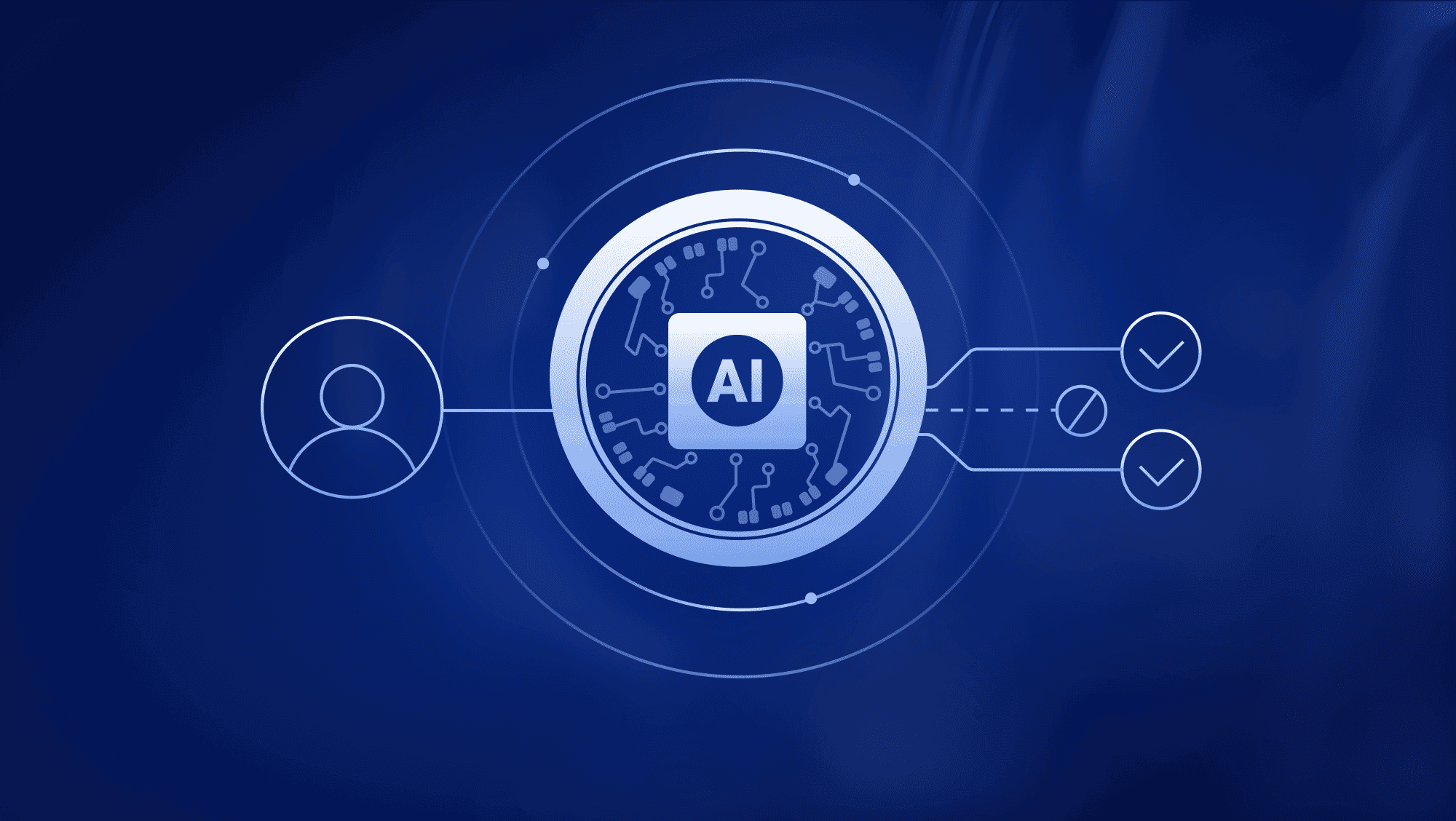
Designed for oversight and visibility, the Vultr MCP Server can view resources and retrieve account information but can’t create, modify, or delete instances or resources, and it can’t spend money. Requests for the Vultr MCP Server to add servers or take any action beyond retrieving information will be denied. It also cannot provide credentials or data that could be used to gain access to Vultr customer environments, such as authentication tokens or passwords.
The Vultr MCP Server can only provide agents access to account information if given permissions through Vultr IAM. Admins must enable the Vultr MCP Server in Vultr IAM, then grant agent access to specific users within the Vultr IAM suite as desired. Sign-in to the Vultr MCP Server uses the OAuth protocol with a user’s Vultr account, with no API key for the server to create or copy.
The server keeps no credentials of its own, and each sign-in is tied to one organization. Every request to the Vultr MCP Server acts as the signed-in user.
Easily integrated with your own cloud environment and existing tools
The Vultr MCP Server is designed for efficient tool selection and reduced token consumption, and it fits easily into the architecture you’re already using. Each product area – compute, Kubernetes, databases, etc. – gets its own Vultr MCP endpoint, enabling users to select whether they want the server to access their entire stack, just a few products, or one specific product area.
Gaining transparency over your stack shouldn’t require you to reconfigure your architecture, so the Vultr MCP Server works with the clients you already use, such as Claude, Cursor, VS Code, Codex, and others that support remote MCP connection through the standard protocol. The server also supports remote and headless sessions (such as over the Secure Shell Protocol) through device authorization. Users can work with two organizations at once by adding the Vultr MCP Server twice, using different names.
Additional features coming soon to the Vultr MCP Server
The current Vultr MCP Server preview is just the first step.
More capabilities will be available soon as Vultr expands agent access and enhances the server, making interacting with and building your cloud environment a more straightforward, transparent, and efficient process.
See our documentation here for assistance with the Vultr MCP Server, including getting started, admin controls, tools, example prompts, and more.